
Download Killego – free Lego shooter game, flash, browser
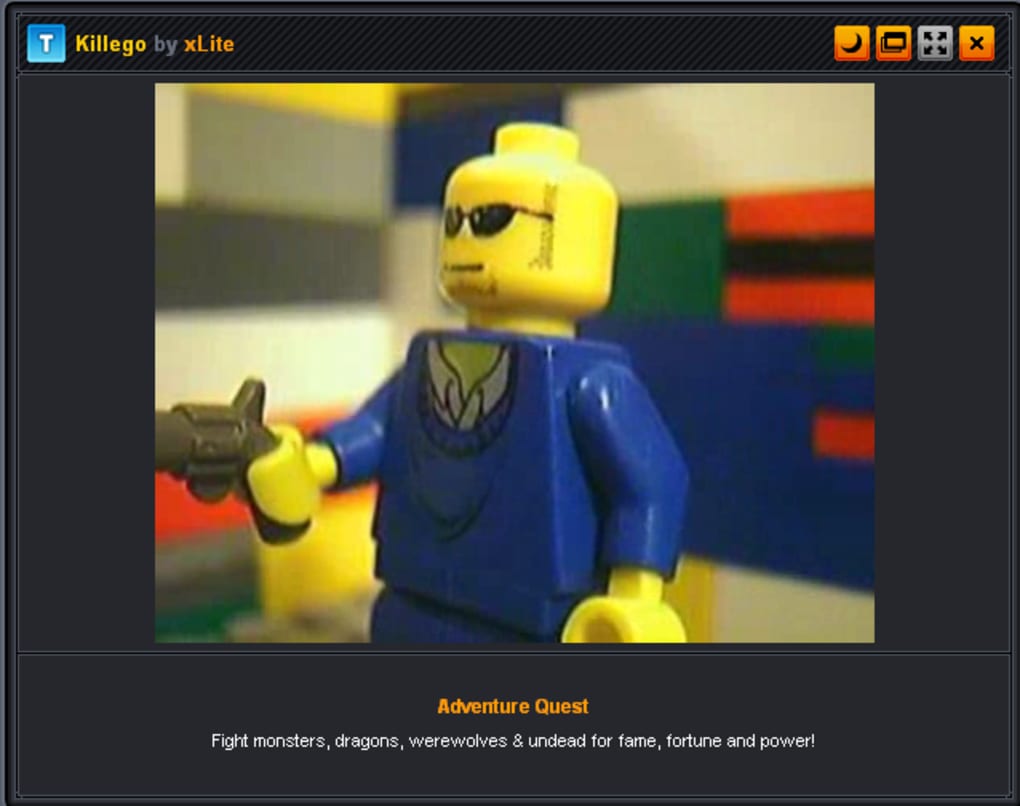
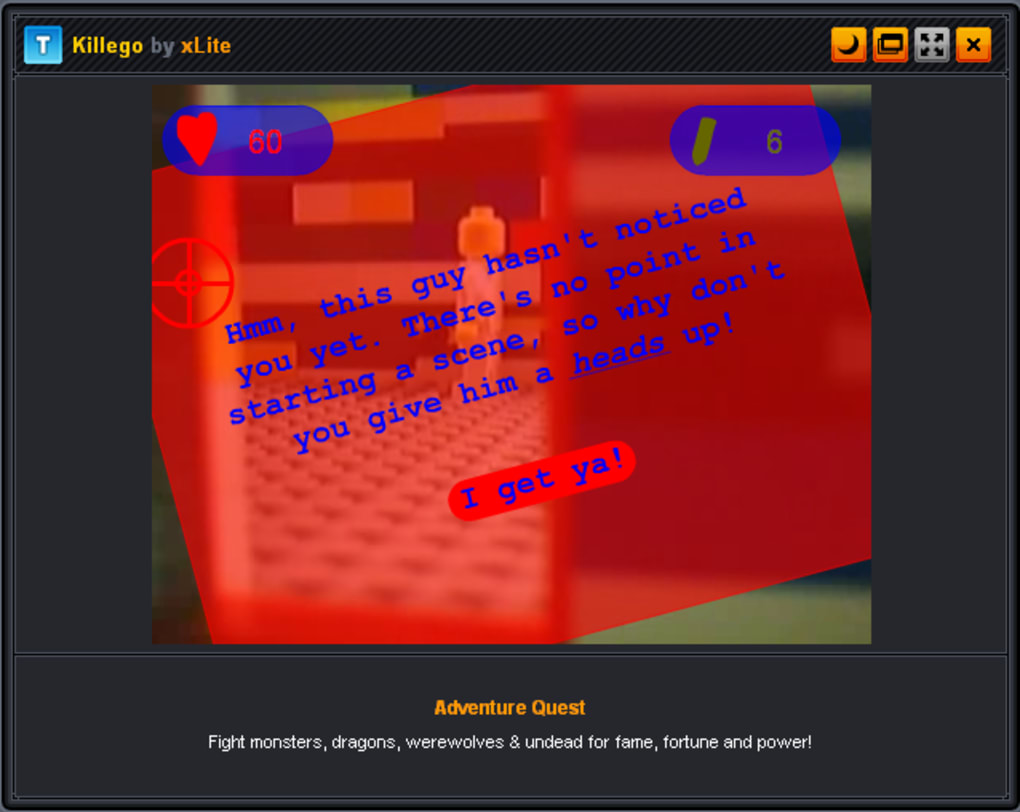
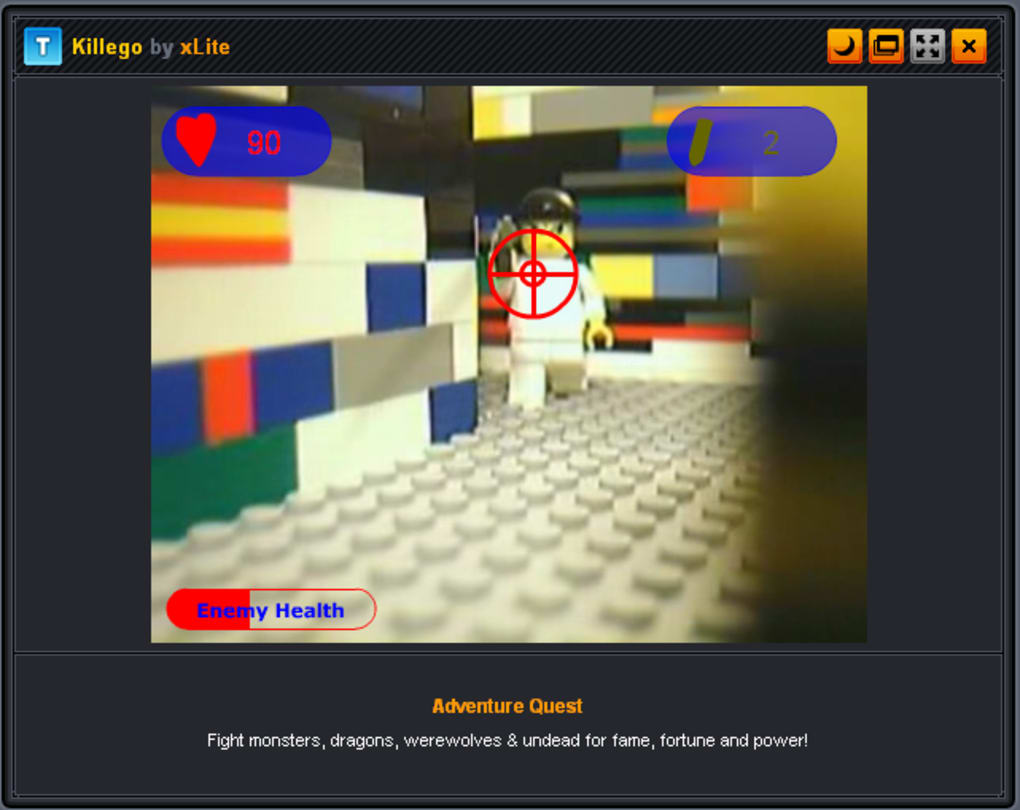
Killego blends the nostalgic charm of Lego bricks with the fast‑paced thrills of a first‑person shooter. Built entirely in stop‑motion animation, this short flash‑based title drops you into a colorful yet eerie prison where every brick‑clad figure is a potential target. With a simple mouse‑click and space‑bar control scheme, you have just ten minutes to blast through waves of Lego enemies, solve a few light puzzles, and face an oddly satisfying final boss. The atmospheric soundtrack, quirky humor, and polished visual style make Killego a perfect pick‑up game when you have a few spare minutes. Whether you’re a die‑hard Lego fan, a retro‑gaming enthusiast, or simply looking for a quick, free browser‑based shooter, Killego delivers a uniquely playful experience that feels both fresh and familiar.
Features & Gameplay
What makes Killego stand out?
- Stop‑motion Lego animation crafted entirely from real bricks.
- Fast‑paced first‑person shooter mechanics that are easy to learn.
- Simple mouse‑click and space‑bar controls – no complex key combos.
- Atmospheric, royalty‑free soundtrack that enhances the prison vibe.
- Short, self‑contained campaign lasting under 10 minutes.
- Humorous narrative with a tongue‑in‑cheek ending that rewards replay.
- Fully browser‑based – no download required on supported platforms.
- Free to play with optional donation for the creator.
The game’s core loop revolves around clearing rooms of Lego enemies using rapid fire and strategic movement. Each area introduces a new enemy type or environmental hazard, keeping the action fresh despite the brief runtime. Because the visual style is entirely Lego, players often find themselves laughing at the absurdity of shooting tiny plastic soldiers while still feeling the tension of a classic shooter. The final boss fight combines all previous mechanics into a single, chaotic showdown that tests reflexes and timing. While the gameplay depth is intentionally limited, the polished presentation and clever level design give Killego a replay value that belies its short length.
Installation & Usage Instructions
How to get Killego running on your device
Although Killego was originally built as an Adobe Flash game, modern browsers have discontinued native Flash support. Fortunately, the community has preserved the experience through open‑source emulators such as Ruffle. Follow these steps to launch Killego securely and without hassle:
- Choose an emulator: Visit the official Ruffle website (https://ruffle.rs) and download the appropriate version for your operating system (Windows, macOS, Linux, or browser extension).
- Install the emulator: Run the installer (or add the browser extension) and follow the on‑screen prompts. The installation process typically takes less than two minutes.
- Download Killego: Click the “Download Killego” button on the game's homepage. The file is a small
.swf(approximately 3 MB). - Open the .swf file: Right‑click the downloaded file, select “Open with” and choose the Ruffle player. The game will launch in a lightweight window.
- Configure controls: Ensure your mouse is active and the space bar is functional. No additional key bindings are required.
- Play and enjoy: Press the left mouse button to fire, move the cursor to aim, and hit the space bar to reload or trigger special actions as indicated on screen.
For mobile users, the Ruffle Android app (available on the Google Play Store) can run the .swf directly on tablets or phones. iOS users can use the Ruffle iOS app or a Safari extension that supports WebAssembly‑based Flash playback. Because the game is free and runs locally after download, there are no hidden fees, ads, or data collection beyond the standard analytics of the emulator.
Compatibility, Pros & Cons, and Frequently Asked Questions
Supported platforms (itemprop="operatingSystem")
- Windows 10/11 (via Ruffle desktop or browser extension)
- macOS 12+ (via Ruffle desktop or Safari extension)
- Linux distributions (Ruffle compiled for .deb or AppImage)
- Android 8+ (Ruffle Android app)
- iOS 13+ (Ruffle iOS app or Safari WebAssembly support)
Pros
- Unique stop‑motion Lego aesthetic that’s rare in digital games.
- Instantly accessible – simple controls require no learning curve.
- Completely free and ad‑free, respecting player time.
- Short runtime makes it perfect for quick breaks.
- Works on virtually any modern device with a free emulator.
Cons
- Relies on Flash technology, requiring an extra emulation step.
- Game length is limited to under ten minutes; no extended campaign.
- Limited replay variety after the final boss is completed.
- No official updates or DLC – community support only.
- Audio may be muted on some browsers if autoplay policies are strict.
FAQ (microdata for FAQPage)
Do I need an Adobe Flash Player to play Killego?
No. Killego was built as a Flash game, but you can run it safely with the free, open‑source Ruffle emulator, which works on Windows, macOS, Linux, Android, and iOS.
Is Killego completely free?
Yes. The game is offered at no cost. The developer accepts donations, but there are no mandatory purchases or in‑app ads.
Can I play Killego on a mobile device?
Absolutely. Install the Ruffle app from Google Play or the Apple App Store, then open the downloaded .swf file to start playing.
What are the system requirements?
Killego is lightweight (≈3 MB) and runs on any device capable of running the Ruffle emulator. No dedicated graphics card or high‑end CPU is required.
Is there a save feature or checkpoint system?
Because the game is under ten minutes, it does not include a save system. If you quit, simply reload the .swf to start from the beginning.
Conclusion & Call to Action
Killego proves that a modest flash title can still capture imagination through clever design and a love for Lego culture. Its bite‑size length, zero‑cost model, and cross‑platform compatibility make it an ideal choice for anyone looking to fill a short break with a burst of brick‑based action. While the reliance on an external emulator may deter the least tech‑savvy players, the setup process is straightforward and well‑documented. If you’ve ever wanted to see Lego figures in a genuine shooter scenario—complete with explosions, humor, and a final boss that feels both ridiculous and rewarding—Killego delivers exactly that. Download the game today, install Ruffle, and dive into a world where every brick can be your next target.
Ready to blast some Lego enemies? Click the download link, set up the free Ruffle emulator, and experience the quirky charm of Killego in under ten minutes. Have fun, and don’t forget to share your high score with friends!



.png)



